Change of AMU network password
Login credentials
Students Teachers EmployeesInstructions for changing the main password for the AMU network.
Instructions
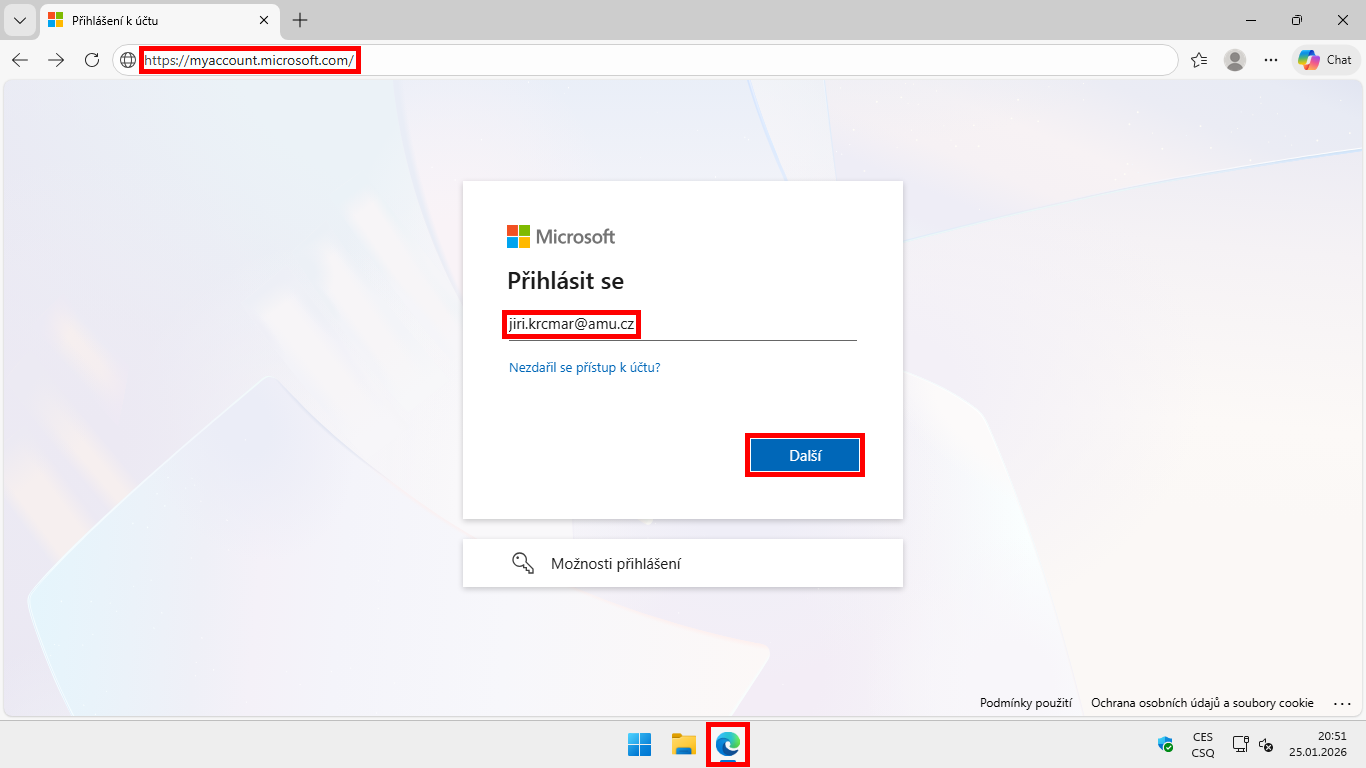
- Open the address https://mysignins.microsoft.com/security-info/password/change.
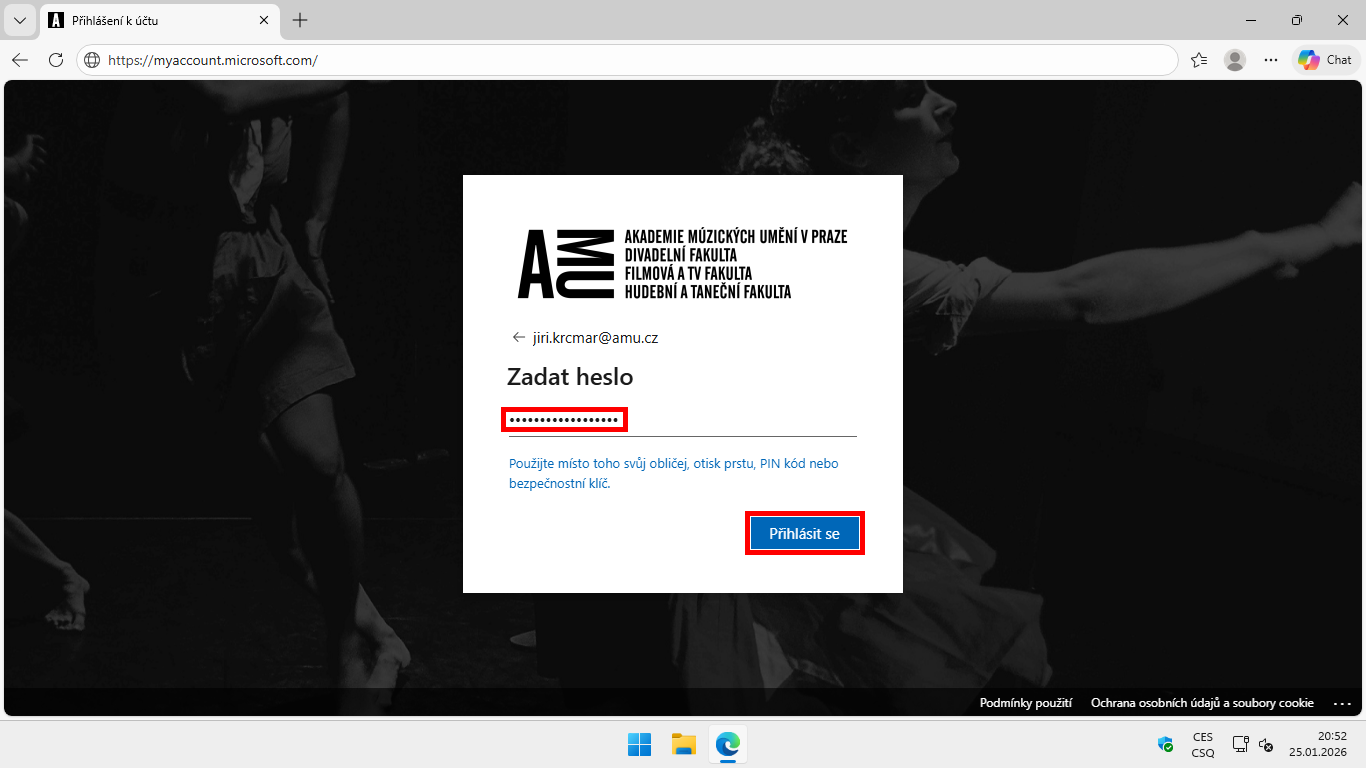
- Sign in using your school email address and your AMU network password.
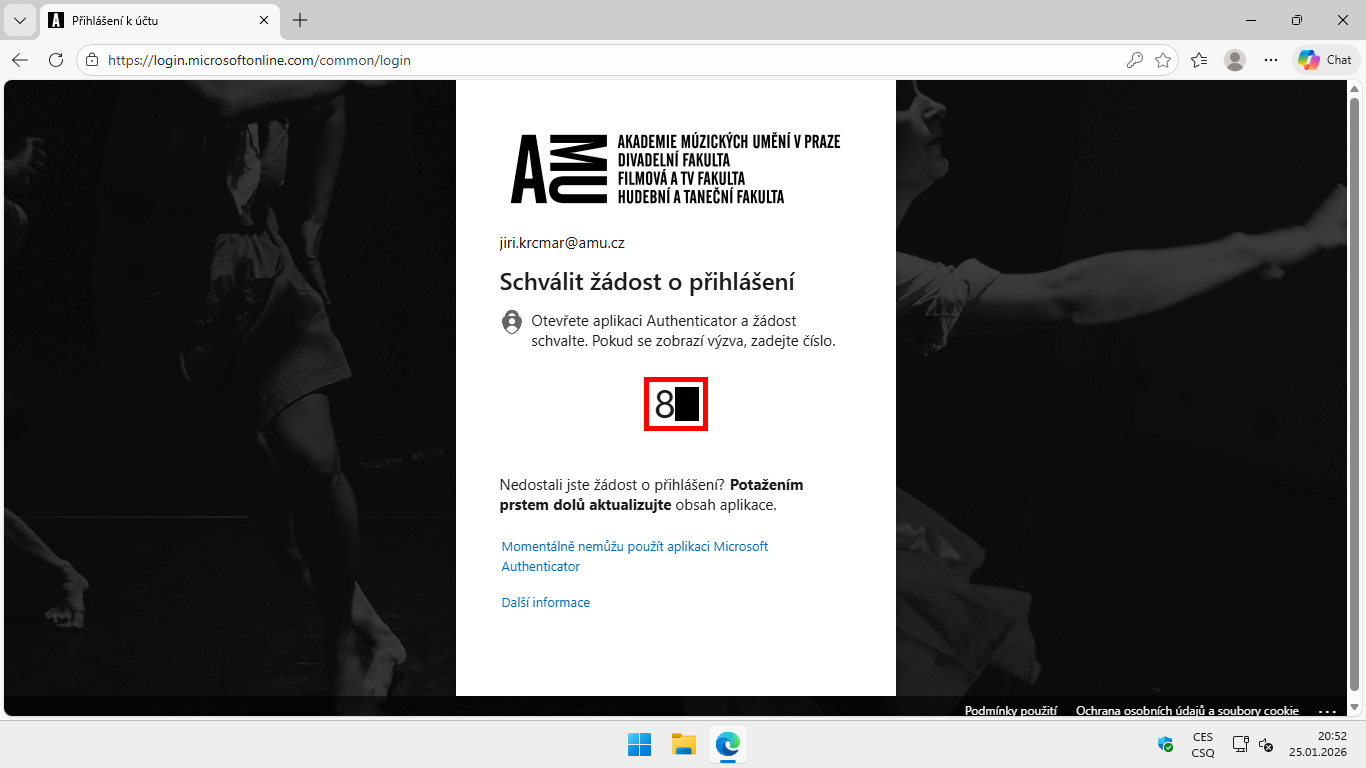
- Verify using your second verification method.
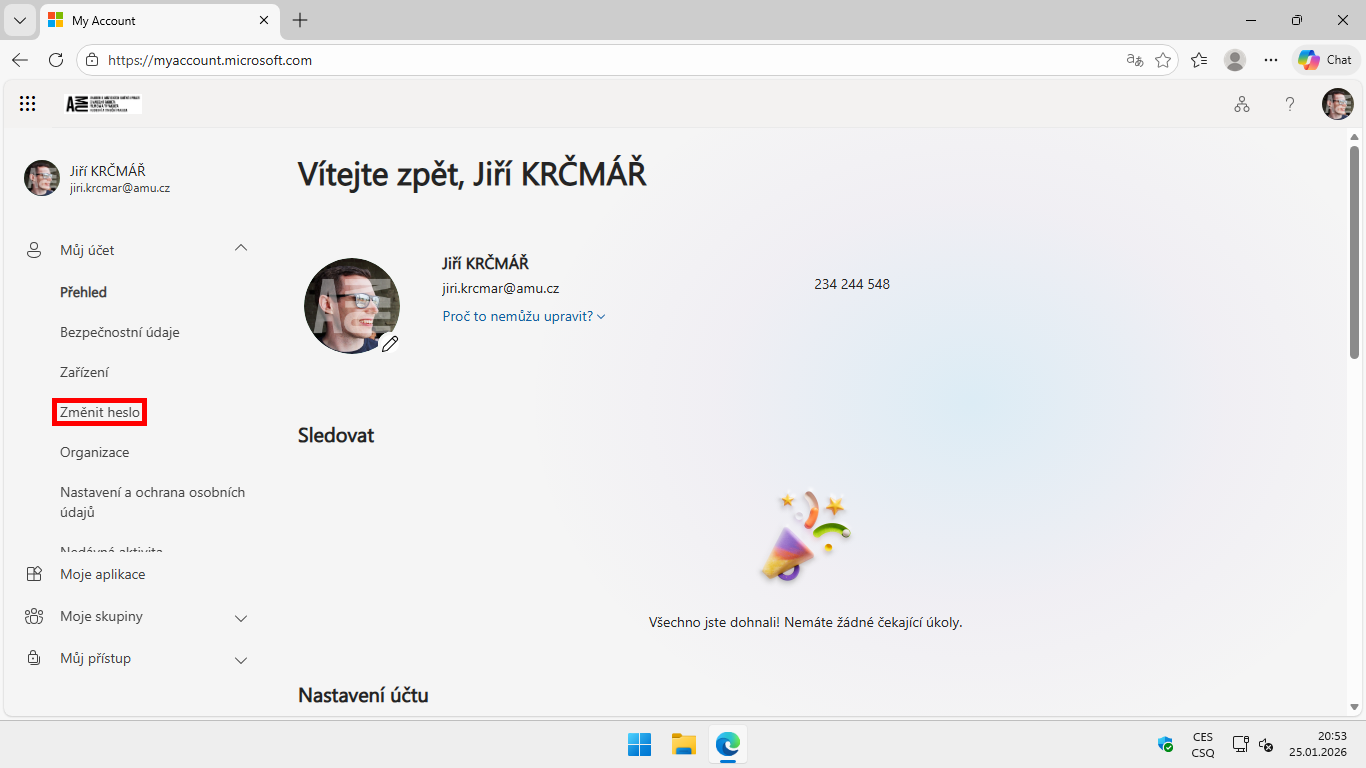
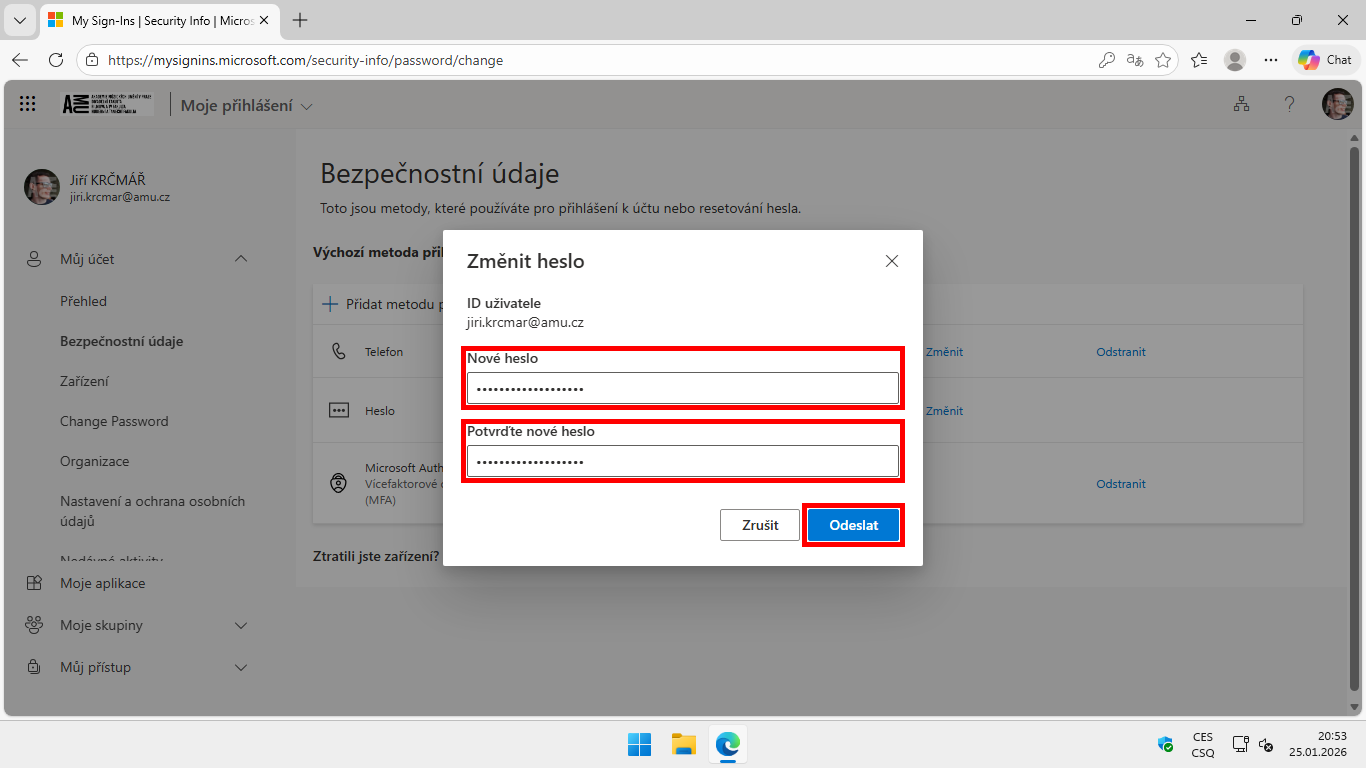
- Enter a new password, confirm the new password, and click Submit.
- Click Done.
Picture instructions
Required password characteristics
You can find useful information for creating a secure password on the page Cybersecurity course CRP-Kyber21 - Secure password.
- It must contain at least 12 characters.
- It must contain characters from at least three of the groups listed below:
- A. Uppercase letters
- B. Lowercase letters
- C. Numbers
- D. Special characters (e.g., -, +, *, %, etc.)
- It must not contain words or numbers directly related to the password holder (e.g., name, nickname, personal identification number).
- It is advisable to avoid using characters with diacritics and other characters that may not be available on all keyboards, or characters that appear in different positions on different keyboard layouts (e.g., z/y).
- It must not consist solely of a word that can be found in a dictionary.
- It must not contain repeated characters or sequences.
- The new password must not match any of the previous 12 passwords.
Author: Jiří Krčmář / 20.09.2026
Revision: Jiří Krčmář / 20.09.2026